

预览
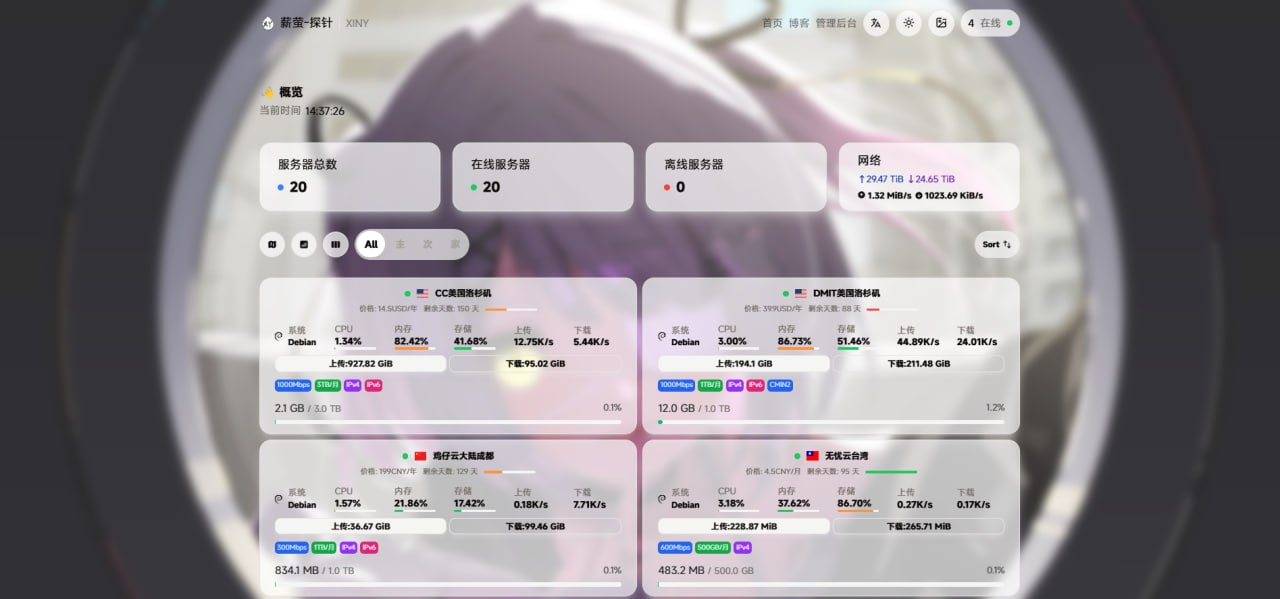
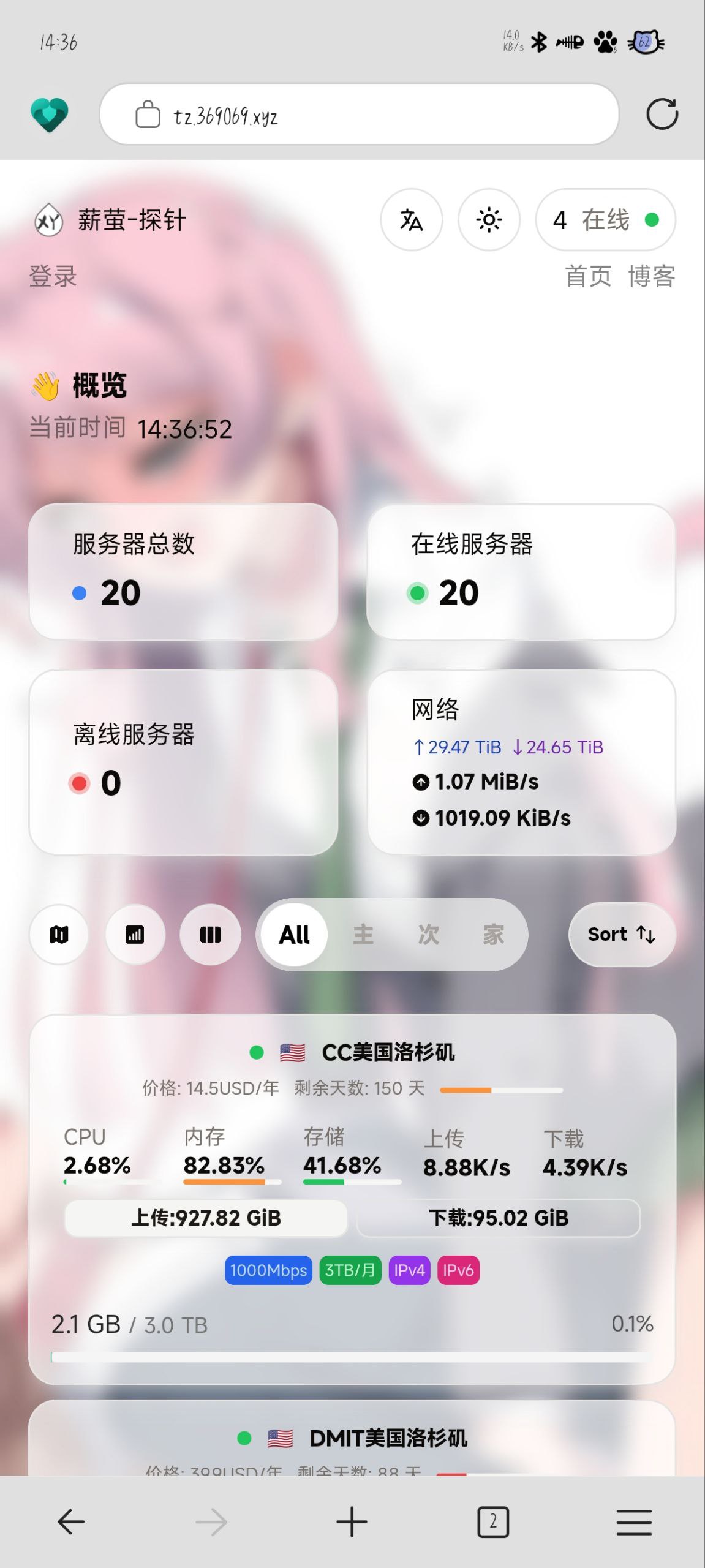
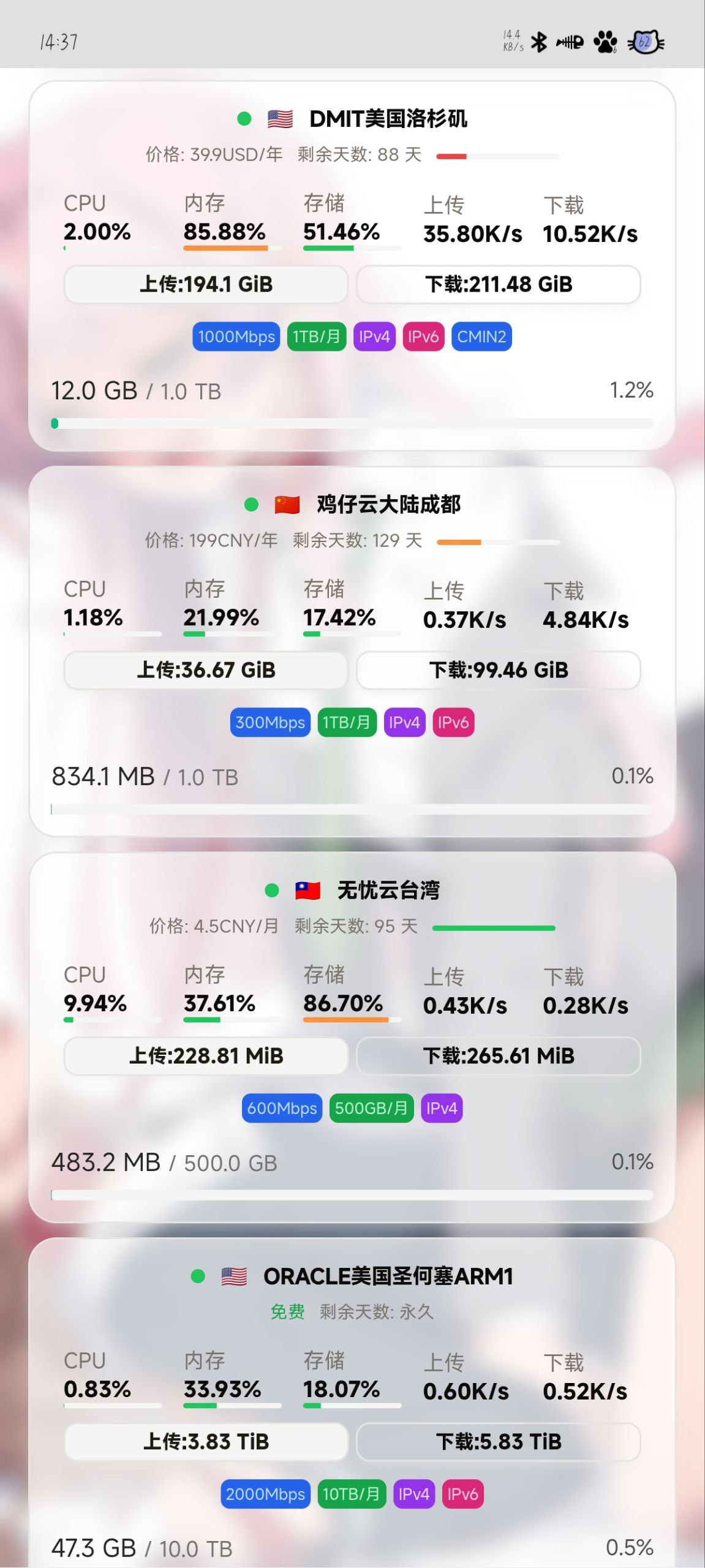
美化代码
来源:https://www.nodeseek.com/post-311746-1
<script>
    /* 这部分这几个挂在 window 下的变量是哪吒内置的, 详见 https://nezha.wiki/guide/settings.html#%E8%87%AA%E5%AE%9A%E4%B9%89%E4%BB%A3%E7%A0%81 */
    window.CustomBackgroundImage = 'https://r2.wuxie.de/blog/20250414_8d62ff03.jpg'; /* PC 端背景图 */
    window.CustomMobileBackgroundImage = 'https://r2.wuxie.de/blog/20250415_40e0cad4.jpg'; /* 移动端背景图 */
    window.CustomLogo = 'https://xiny.cc/xiny/favicon.ico'; /* 页面左上角和标题栏展示的 Logo */
    window.CustomDesc = 'XINY'; /* 页面左上角副标题 */
    window.ShowNetTransfer = true; /* 服务器卡片是否显示上下行流量, 默认不显示 */
    window.DisableAnimatedMan = true;
    window.FixedTopServerName = true; /* 是否固定顶部显示服务器名称, 默认不固定 */
    window.CustomLinks = '[{\"link\":\"https://xiny.cc/\",\"name\":\"首页\"},{\"link\":\"https://blog.xiny.cc/\",\"name\":\"博客\"}]'; /* 自定义导航栏链接 */

    /* 自定义字体, 注意需要同步修改下方 CSS 中的 font-family */
    var link = document.createElement('link');
    link.rel = 'stylesheet';
    link.href = 'https://font.sec.miui.com/font/css?family=MiSans:400,700:MiSans'; // MiSans
    // link.href = 'https://npm.elemecdn.com/[email protected]/style.css'; // 霞鹜文楷, font-family: 'LXGW WenKai Screen'
    document.head.appendChild(link);
</script>
<style>
    /* 自定义字体 */
    * {
        font-family: 'MiSans';
    }
    h1, h2, h3, h4, h5 {
        font-family: 'MiSans', sans-serif;
    }

    /* 背景压暗和模糊, 开了背景图建议开启 */
    .dark .bg-cover::after {
        content: '';
        position: absolute;
        inset: 0;
        backdrop-filter: blur(4px);
        background-color: rgba(0, 0, 0, 0.1);
    }
    .light .bg-cover::after {
        content: '';
        position: absolute;
        inset: 0;
        backdrop-filter: blur(4px);
        background-color: rgba(255, 255, 255, 0.1);
    }

    footer {
        display: none;
    }
</style>
服务器卡片下方显示周期性流量见给哪吒V1探针面板添加周期流量显示
跳转到博客查看该贴








支持 居然做了pc 移动分开的
帮顶
@zihaocx #1 针的是 NSFW
感谢分享
用了 牛
感谢,非常喜欢
bbd
不错BD
最下面的流量显示非常实用,已收藏了
马上去用